wp-login not found - All usual solutions not working
A new client of me can't login to his old(er) Wordpress website: wp-login gives a 404 error and wp-admin gives a 500 error.
Here are the links (removed)
I came across this issue before, but this time nothing seems to help. What I have tried so far (one by one so they don't affect eachother):
- rename plugins-folder through ftp
- rename active theme folder through ftp
- rename .htaccess file
-
added the following lines of code to wp-config.php:
define('WP_HOME','https://###'); define('WP_SITEURL','https://###');
I have searched around for other possible fixes, but haven't found anything. Anyone knows what else i can do?
Solutions
If issue still not solved,After trying all the options given by all then you may try to check the folder structure of wp-includes and wp-admins. Check all the file with wordpress core file. There might be some file deleted.
yourdomainname/wp-login (Wrong) -- 404 or
NOT FOUND
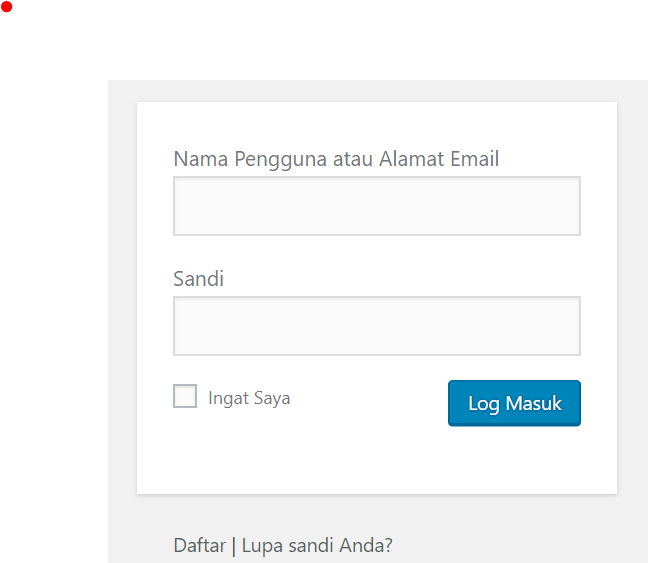
yourdomainname/wp-login.php (Correct) --> you will redirect to page login
yourdomainname/wp-admin (Correct) --> you will redirect to page login:
---
Note:
Make sure your site has SSL installed so that it can be accessed with
httpS
. If not, try with
http
(only)
---
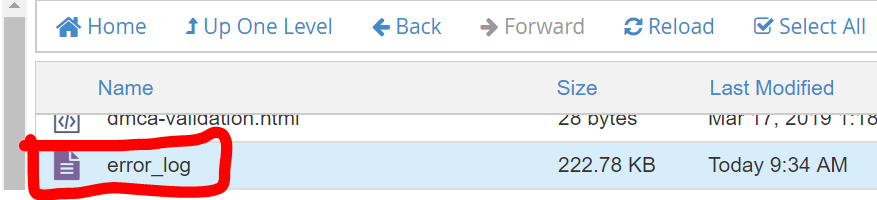
Please open your Hosting, go to
public_html
directory. Open
error_log
to see the reason for error
500
. Then paste the error in the question. This will make it easier for the answerer to find the exact problem