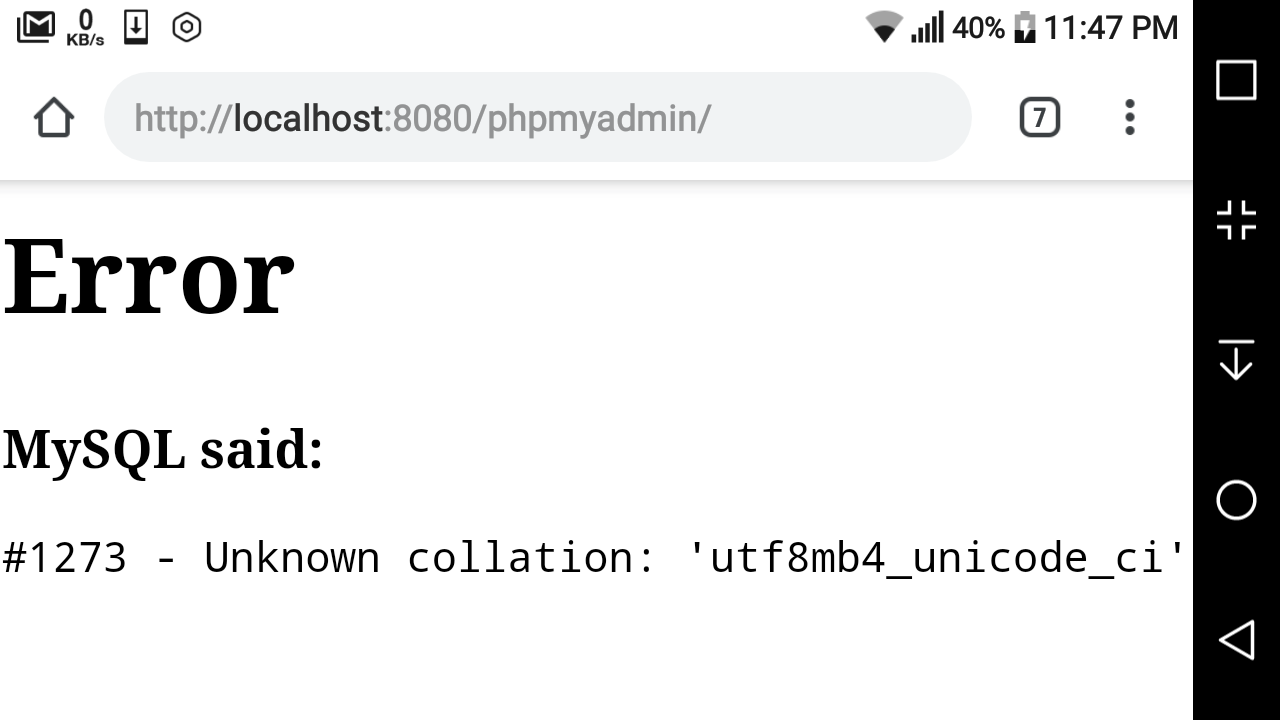
#1273 – Unknown collation: ‘utf8mb4_unicode_520_ci’
I have a WordPress website on my local WAMP server. But when I upload its database to live server, I get error
#1273 – Unknown collation: ‘utf8mb4_unicode_520_ci’
Any help would be appreciated!
Solutions
You can solve this by finding
ENGINE=InnoDB DEFAULT CHARSET=utf8mb4 COLLATE=utf8mb4_unicode_520_ci;
in your
.sql
file, and swapping it with
ENGINE=InnoDB DEFAULT CHARSET=utf8 COLLATE=utf8_general_ci;
I believe this error is caused because the local server and live server are running different versions of MySQL. To solve this:
- Open the sql file in your text editor
-
Find and replace all
utf8mb4_unicode_520_ciwithutf8mb4_unicode_ci - Save and upload to a fresh mySql db
Hope that helps
In my case it turns out my
new server was running
MySQL 5.5
,
old server was running
MySQL 5.6
.
So I got this error when trying to import the
.sql
file I'd exported from my old server.
MySQL 5.5 does not support
utf8mb4_unicode_520_ci
, but
MySQL 5.6 does.
Updating to
MySQL 5.6
on the new server solved collation the error !
If you want to retain MySQL 5.5, you can:
- make a copy of your exported
.sql
file
- replace instances of
utf8mb4unicode520_ci
and
utf8mb4_unicode_520_ci
...with
utf8mb4_unicode_ci
- import your updated
.sql
file.